Lights + shades
Room-by-room control and everyday scenes.
OTTAWA SMART HOME INTEGRATION
Smart Integration – Super Intelligence
We connect compatible devices and build dashboards and routines around your life.
BUILT AROUND HOME ASSISTANT
Connect what you already have. Add only what makes sense.
Room-by-room control and everyday scenes.
Climate, compatible feeds and helpful alerts.
Usage and status where your devices support it.
Compatibility reviewed before we quote.
DASHBOARDS THAT FIT YOUR LIFE
A shared home display. Room controls. Your phone.
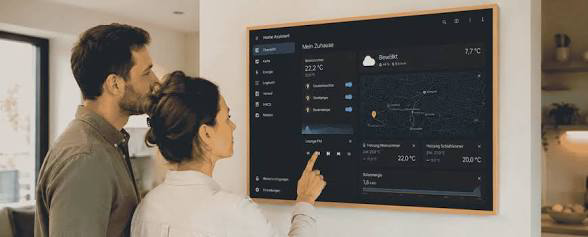
Floorplans, cameras and shared controls.
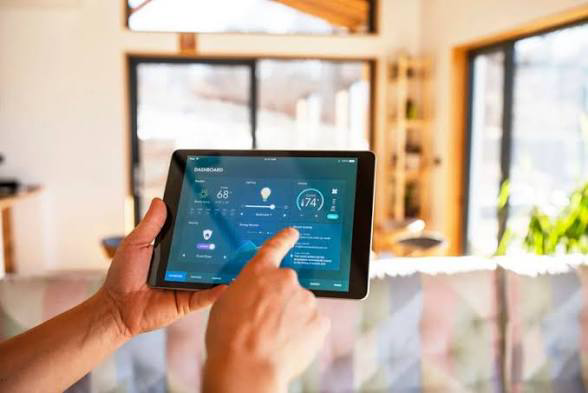
Selected room screens, tablets and phones.
Supplied lifestyle references · Not client installations
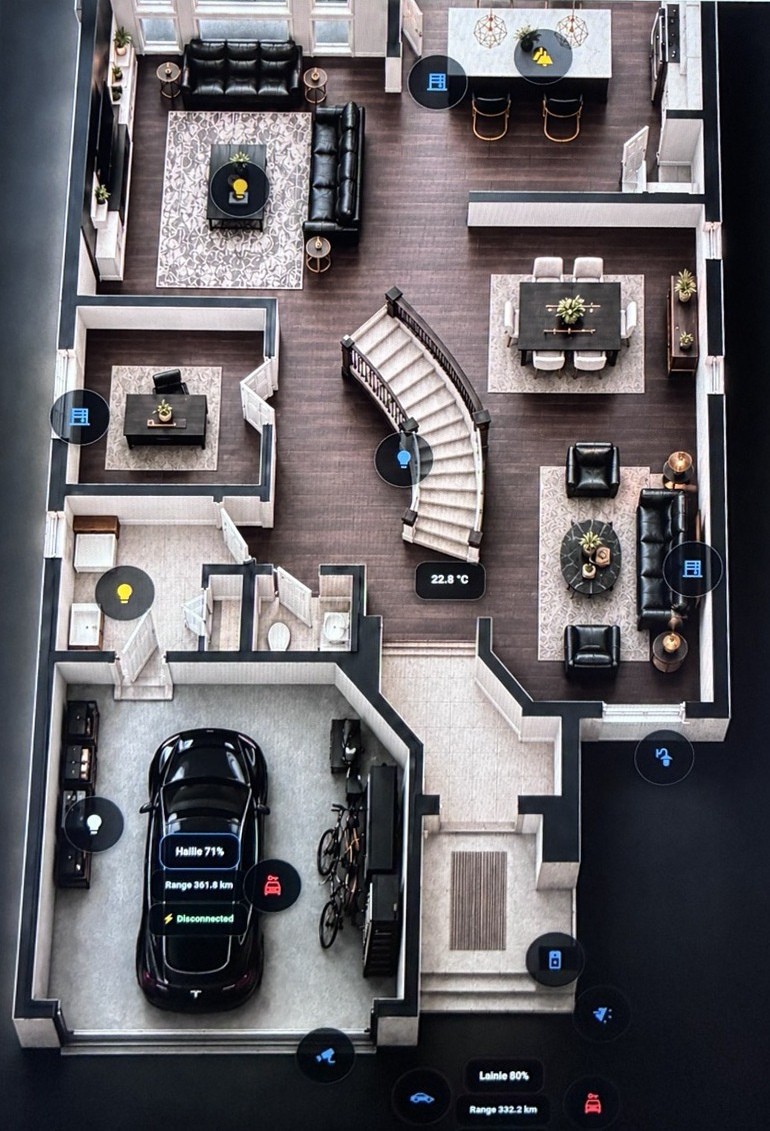
MORE THAN A FLOORPLAN
Supported camera feeds, together in one overview.
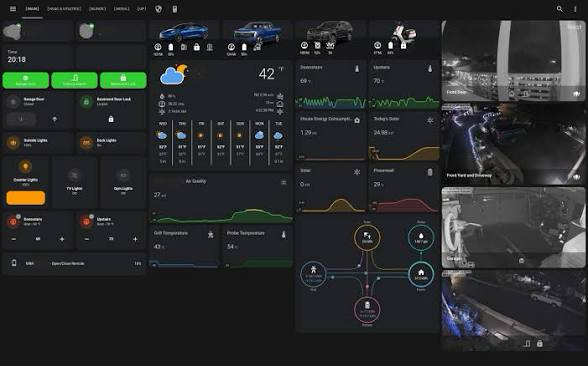
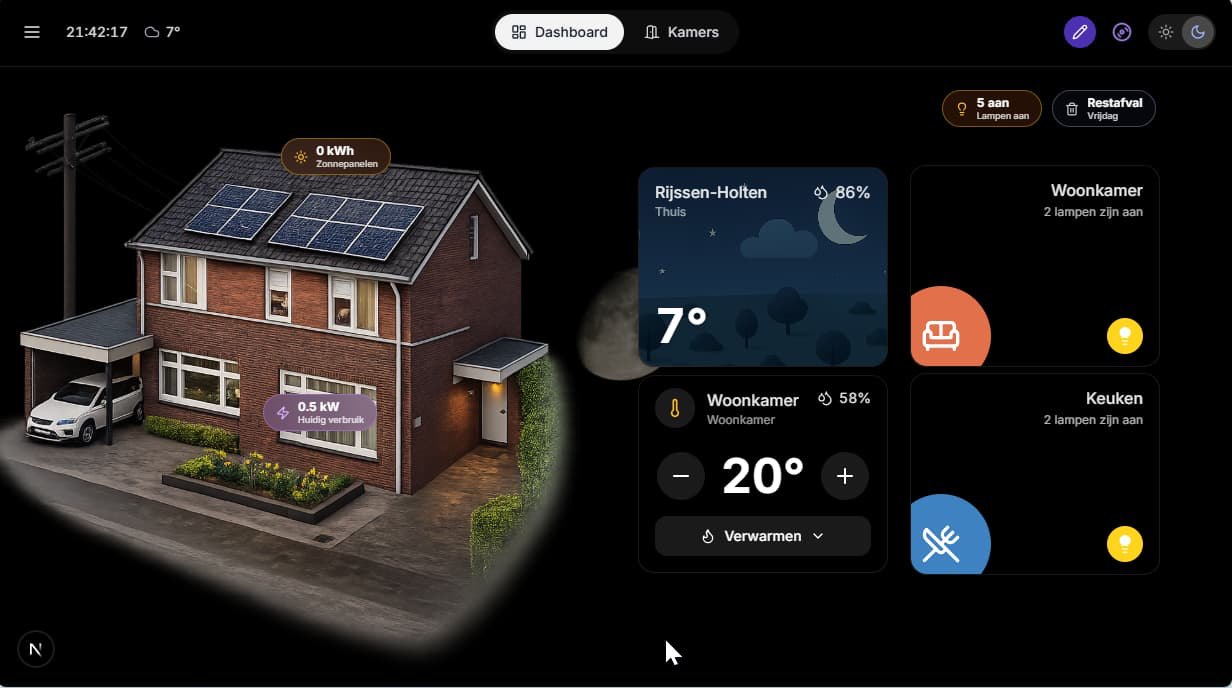
ENERGY + VEHICLE STATUS
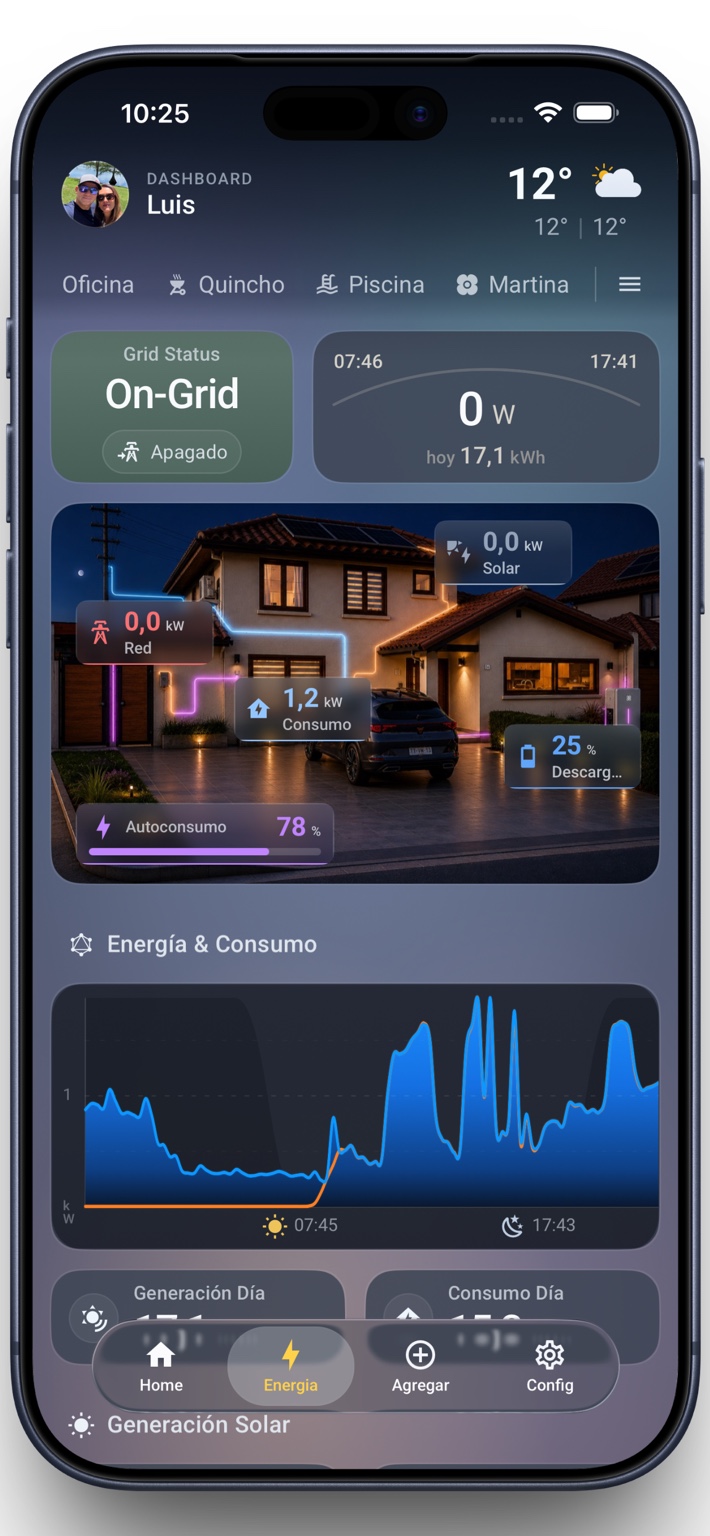
Supplied dashboard references · Not client installations
VOICE + TEXT / IN DEVELOPMENT
Ask for a status update.
Run a tested routine.
Keep familiar controls.
Optional development offering.
Not included in package pricing.
Are the downstairs lights on?
The kitchen and hallway
lights are on.
Set movie time.
Ready to dim the room
and close the blinds?
Illustrative interaction. Voice hardware and cloud/AI fees scoped separately.
INSTALLATION + CONFIGURATION
FROM$699
FROM$1,495
FROM$2,995
CAD, before HST. Equipment/screens, electrical work, third-party fees and complex work are separate.
Final scope and compatibility confirmed before work begins.
ONGOING HOME CARE
Optional support for ongoing questions and upkeep.
Troubleshooting for your agreed setup.
Unused time does not roll over.
A scheduled review, not continuous monitoring.
Initial response, not a guaranteed resolution time.
Devices, larger changes and on-site visits are extra. No emergency or 24/7 monitoring.
Additional work is scoped and quoted separately.
LOCAL. HANDS-ON. BUILT AROUND YOU.
Independent smart-home planning, installation and support in Ottawa and surrounding communities.
Visit, compatibility review, plan and estimate.
Configure agreed devices, dashboards and routines.
Walk through the controls and test the experience.
Add monthly support as your needs evolve.
LET’S GET STARTED
Tell us what you’d like to connect, simplify or plan.
hello@si2homesystems.comOttawa and surrounding area